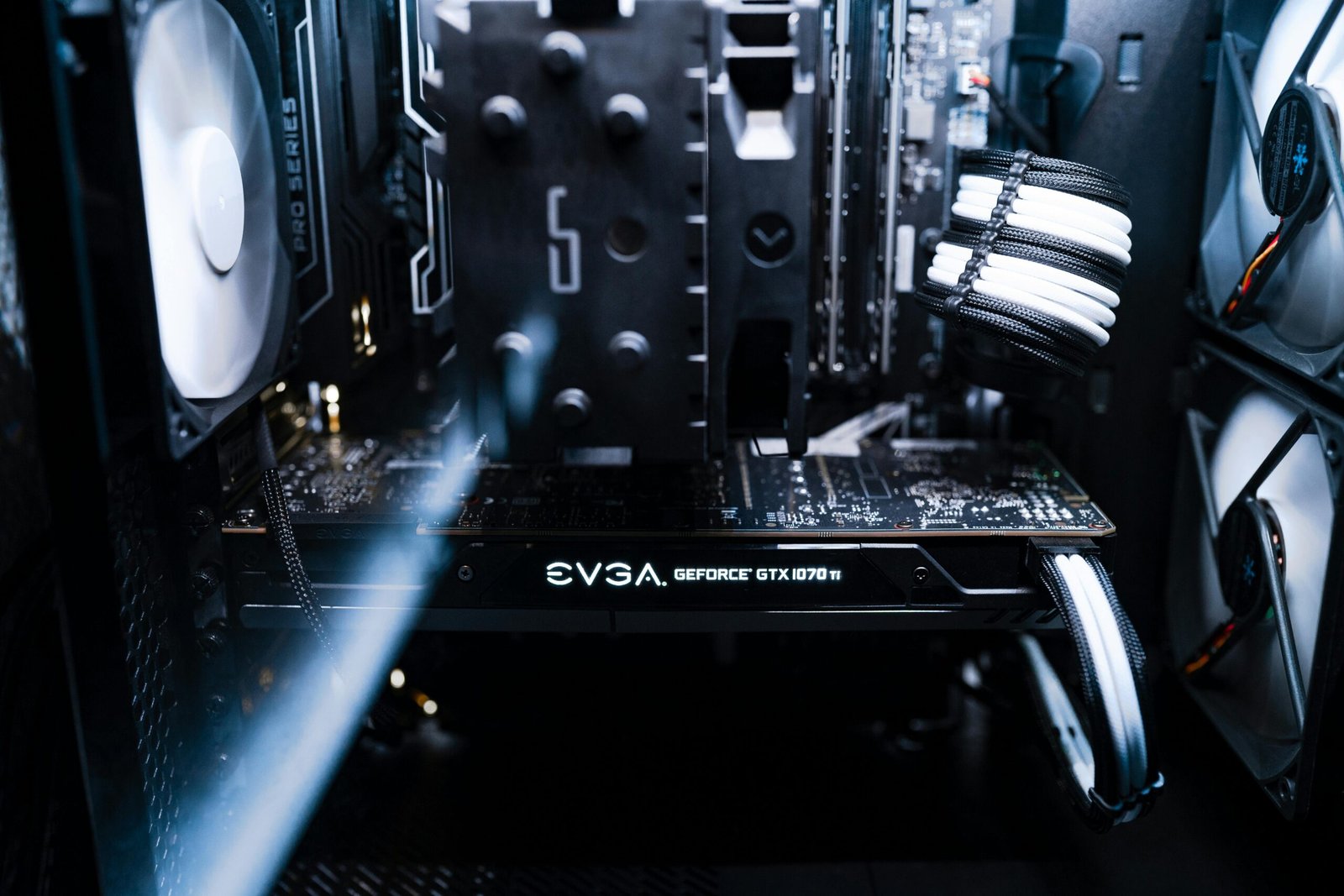
You’ve felt it. That moment when your current setup just gives up on you — frame rates dropping mid-fight, textures loading like it’s 2009, your CPU screaming for mercy during a raid that everyone else is breezing through. Your hands are doing everything right. Your hardware is doing everything wrong.
That feeling ends today.
Whether you’re building your very first gaming PC from scratch, upgrading an aging rig that’s been begging for retirement, or trying to figure out what your hard-earned money actually buys you in 2026’s GPU market — you’re in exactly the right place. This is the complete, no-fluff, gamer-written guide to the best gaming PCs and budget builds of 2026.
We’re talking real hardware. Real performance. Real advice from people who actually care about what’s inside the case — not just how many RGB fans are spinning in the marketing photos.
The market in 2026 has never been more exciting — or more confusing. New GPU architectures have hit the shelves, CPU competition between AMD and Intel is at a fever pitch, DDR5 RAM has finally hit prices that make sense, and SSDs have become almost criminally affordable. There has never been a better time to build or buy a gaming PC. But there has also never been more ways to accidentally waste your money if you don’t know what you’re doing.
Let’s fix that.
Why 2026 Is the Best Year to Build a Gaming PC
The stars have aligned in a way that PC builders haven’t seen in years. Here’s the landscape right now:
GPU prices have stabilized significantly after years of volatility caused by crypto mining demand and supply chain chaos. NVIDIA’s RTX 50-series and AMD’s RX 9000-series cards are on shelves at prices that feel genuinely competitive, and the generation they’re replacing has created a brilliant second-hand market for budget builders.
DDR5 RAM has crossed the affordability threshold. What was a premium luxury two years ago is now the standard recommendation at every budget tier. Faster speeds, better efficiency, and prices that have dropped dramatically.
NVMe SSD storage is essentially free compared to historical pricing. A 2TB NVMe SSD — something that would have been a luxury purchase in 2022 — now fits comfortably into even budget builds.
AMD and Intel are in the most competitive CPU battle in years, which means consumers win. Both companies are producing excellent processors at every price point, and neither can afford to be complacent.
The result? Your money goes further in 2026 than it has in a very long time. Let’s break down exactly how to spend it.
Understanding the Budget Tiers
Before we get into specific builds, let’s establish what each budget tier realistically delivers in 2026 — because managing expectations is part of building smart.
Budget Tier ($400–$700): 1080p gaming at medium-to-high settings, 60–100+ FPS in most modern titles. Perfectly capable for esports titles at high frame rates. Great starting point.
Mid-Range Tier ($700–$1,200): 1080p ultra settings and solid 1440p gaming at 60–144 FPS. The sweet spot for most gamers is exceptional value territory.
High-End Tier ($1,200–$2,000): 1440p at 144+ FPS consistently, entry-level 4K gaming. For competitive players and those who want future-proofing.
Enthusiast Tier ($2,000+): 4K gaming at high refresh rates, maximum settings across all titles,and content creation alongside gaming. Performance ceiling territory.
Best Budget Gaming PC Build — $500–$650
The “Smart Starter” Build
This build is for the gamer who wants a real, capable gaming machine without emptying their bank account. In 2026, $600 builds much better than it ever has.
Recommended Components:
- CPU: AMD Ryzen 5 7600 — Six cores, excellent single-thread performance, runs cool and efficiently. Perfect for gaming at this tier.
- GPU: AMD RX 7600 XT or NVIDIA RTX 4060 — Both deliver impressive 1080p performance with modern features like upscaling technology.
- Motherboard: B650 motherboard (AMD) — Future-proof AM5 platform that supports current and upcoming AMD CPUs.
- RAM: 16GB DDR5-5200 (2x8GB) — DDR5 is now affordable enough that there’s no reason to go DDR4 on a new build.
- Storage: 1TB NVMe PCIe 4.0 SSD — Fast load times, plenty of room for your game library.
- PSU: 650W 80+ Bronze — Reliable, sufficient headroom for this build.
- Case: Any mid-tower with decent airflow — don’t skimp on case fans.
Expected Performance: 1080p gaming at high-ultra settings, hitting 60–100 FPS in demanding titles, 144+ FPS in esports games like Valorant, CS2, and Fortnite.
Why this build works: The AM5 platform future-proofs your investment — you can drop a significantly more powerful CPU into this same motherboard in two or three years without changing anything else.
Best Mid-Range Gaming PC Build — $900–$1,100
The “Sweet Spot Slayer” Build
This is where the magic lives. The mid-range tier in 2026 offers performance that would have cost twice as much just a few years ago, and this build will handle everything you throw at it for the next three to four years.
Recommended Components:
- CPU: AMD Ryzen 7 7700X or Intel Core i5-14600K — Both are exceptional gaming CPUs. The Intel chip has a slight edge in raw gaming performance; the AMD chip runs cooler and more efficiently.
- GPU: NVIDIA RTX 4070 Super or AMD RX 7800 XT — This is where your budget should concentrate. Both are outstanding 1440p cards.
- Motherboard: B650E (AMD) or Z790 (Intel) — Solid feature sets without paying for enthusiast-tier extras you won’t use.
- RAM: 32GB DDR5-6000 (2x16GB) — 32GB is the new 16GB. Future-proof and increasingly necessary for modern titles.
- Storage: 2TB NVMe PCIe 4.0 SSD — Game file sizes in 2026 make 1TB feel cramped quickly.
- CPU Cooler: 240mm AIO liquid cooler — Keeps temperatures excellent, adds minimal cost.
- PSU: 750W 80+ Gold — Quality power delivery for stable performance.
Expected Performance: 1440p gaming at ultra settings, hitting 100–144 FPS in demanding titles. 1080p at 200+ FPS for competitive gaming. Capable of 4K gaming at medium-high settings in many titles.
Why this build dominates: The RTX 4070 Super specifically is one of the best value propositions in GPU history at its current 2026 pricing. DLSS 3.5 and Frame Generation push performance beyond what the raw rasterization numbers suggest.
Best High-End Gaming PC Build — $1,500–$1,800
The “No Compromises” Build
For the gamer who refuses to watch frame rate counters dip below 100 — ever. This build eats modern games for breakfast and asks for more.
Recommended Components:
- CPU: AMD Ryzen 9 7900X or Intel Core i7-14700K — High core counts benefit both gaming and any content creation you want to do alongside it.
- GPU: NVIDIA RTX 4080 Super or AMD RX 9070 XT — Absolute 1440p dominance and genuine 4K capability at high settings.
- Motherboard: X670E (AMD) or Z790 with PCIe 5.0 support — Premium features, excellent VRM quality for high-end CPUs.
- RAM: 32GB DDR5-6400 (2x16GB) — High-speed DDR5 that pairs beautifully with the CPU’s memory controller.
- Storage: 2TB PCIe 5.0 NVMe SSD + 4TB secondary SSD — Blazing fast primary drive, massive library storage.
- CPU Cooler: 360mm AIO — The high-end CPUs run hot under load; proper cooling is mandatory here.
- PSU: 850W 80+ Gold — Headroom for high GPU power draw peaks.
- Case: Full mid-tower with mesh front panel — Airflow is not optional at this tier.
Expected Performance: 4K gaming at high-ultra settings at 60–100 FPS. 1440p at 144–240 FPS in most titles. Effortless 1080p at maximum competitive frame rates.
Pre-Built vs Custom Build — The 2026 Reality
This debate used to have an obvious answer. In 2026, it’s more nuanced.
Building your own PC still offers the best value per dollar, complete control over component quality, and the satisfaction of knowing exactly what’s inside your case. For gamers willing to spend 2–3 hours researching and assembling, self-builds remain the superior choice at every budget tier.
Pre-built PCs have genuinely improved. Brands like NZXT, CLX, and iBUYPOWER are shipping machines in 2026 with better component choices than they used to, and the price premium has compressed. For gamers who want zero assembly hassle and immediate warranty coverage, pre-builts are no longer the ripoff they once were — though you still pay a convenience premium of roughly 10–20%.
The verdict: Build if you can. Buy pre-built if your time and stress budget demands it. Either way, you’re getting a genuinely capable machine in 2026.
Pro Tips for PC Builders in 2026
- Spend your budget where it counts most — GPU first, always. The graphics card is responsible for the overwhelming majority of your gaming performance. A great GPU with a mid-tier CPU beats a great CPU with a mid-tier GPU in gaming benchmarks almost universally.
- Never buy a used GPU without benchmarking it first. The second-hand market is excellent, but mining-worn cards exist. Run benchmarks before the return window closes.
- PCIe 5.0 GPUs and SSDs are emerging in 2026 — if you’re building a high-end system, future-proofing your motherboard for PCIe 5.0 support costs very little extra and extends your build’s relevance significantly.
- Cable management isn’t just aesthetic — proper cable management improves airflow meaningfully and makes future upgrades dramatically less painful.
- Always check CPU compatibility with your chosen motherboard before purchasing — even within the same socket generation, not all combinations work without a BIOS update that may require an older CPU to perform.
- Buy your PSU from a tier list. The Cultists Network PSU tier list is the most comprehensive resource available — a cheap, low-quality PSU can destroy every other component in your system.
Beginner Tips for First-Time PC Builders
- Watch a full build video on YouTube before starting — Linus Tech Tips and Jayztwocents have beginner-friendly guides that demystify the entire process
- Anti-static precautions are real — work on a non-carpeted surface and touch your case before handling components
- Don’t overtighten screws — motherboard and GPU mounting points are more delicate than they look
- Cable management can happen last — build functionally first, tidy second; don’t let cable stress slow down your first boot
- Test outside the case first — do a “breadboard” boot with your CPU, one stick of RAM, and GPU before installing everything in the case. It makes troubleshooting dramatically easier if something doesn’t post.
- Check your RAM is in the correct slots — consult your motherboard manual for dual-channel configuration (usually slots 2 and 4, not 1 and 2)
Best Monitors to Pair With Your Build in 2026
Your monitor is half your experience. Don’t build a $1,200 PC and plug it into a 1080p 60Hz panel from 2015.
Budget Build pairing: 1080p 144Hz IPS panel — LG, AOC, and MSI all make excellent options under $200.
Mid-Range pairing: 1440p 165Hz IPS — The sweet spot for 2026 gaming. Sharp, fast, color-accurate. Expect to spend $250–$400 for quality options.
High-End pairing: 1440p 240Hz or 4K 144Hz OLED — OLED gaming monitors have reached mainstream pricing in 2026, and the image quality difference over standard IPS is genuinely shocking. If your build can push the frame rates, OLED is the upgrade that will make you wonder how you ever gamed without it.
FAQs — Gaming PC Buying Guide 2026
Q1: What is the best budget gaming PC build in 2026? The Ryzen 5 7600, combined with an RX 7600 XT or RTX 4060 in the $550–$650 range, delivers outstanding 1080p gaming performance and represents exceptional value in 2026’s market.
Q2: Is it worth building a PC in 2026, or should I buy a console? For pure gaming at the $500 price point, consoles remain competitive. Above $600, a PC build provides better performance, upgradability, game library access, and versatility that consoles cannot match. Long-term, PC almost always wins on total value.
Q3: How long will a mid-range 2026 gaming PC last? A well-built mid-range system in 2026 — particularly one on the AM5 or Intel 14th gen platform — should deliver excellent gaming performance for 4–5 years with at most a GPU upgrade at the midpoint.
Q4: Should I choose an AMD or an NVIDIA GPU in 2026? Both are excellent in 2026. NVIDIA holds advantages in ray tracing, DLSS Frame Generation, and AI features. AMD offers better raw rasterization performance per dollar at several price points. Check benchmarks for the specific games you play most frequently.
Q5: What’s the minimum RAM for gaming in 2026? 16GB DDR5 is the absolute minimum for new builds — and 32GB is strongly recommended as modern games increasingly demand it. Several 2026 AAA titles recommend 32GB in their system requirements.
Conclusion — Your Dream Build Is Closer Than You Think
Here’s the truth about building a gaming PC in 2026: the barrier has never been lower, and the reward has never been higher. Whether you’re working with $500 or $2,000, the hardware available right now will transform your gaming experience in ways that feel genuinely significant the first time you boot into your favorite game and watch it run the way it was always supposed to.
The frame drops. The texture pop-in disappears. The loading screens become embarrassingly short. And that specific, irreplaceable feeling of a game running beautifully on hardware you chose, assembled, and powered on yourself?
That feeling is worth every hour of research.
Use this guide as your starting point. Price check the components. Watch a build video. Ask questions in the communities. And then pull the trigger — because your best gaming experiences are waiting on the other side of a build that’s perfectly matched to what you actually need.
Your rig. Your rules. Build it right.
Need more PC hardware guides, component comparisons, and gaming setup recommendations? Tap2Playy.com has the content library to take you from confused buyer to confident builder. Explore, learn, and level up your entire setup.




Yo, ph898 is legit. Heard it was good and it’s definitely living up to the hype. Works smoothly. I like it a lot. Highly recommended. Try it out: ph898
I’ve been hitting b29bet lately and I’m digging it! Easy to navigate and the games load quickly. Give it a look. You might like it: b29bet